BatteryHealth
A menu bar app that stops an Apple silicon MacBook from charging past a limit you set, like 80%, so the battery wears out more slowly. Free on GitHub as a signed, notarized download that updates itself.
Screenshots · 4
- Role
- Developer
- Timeline
- Nov 2026
- Stack
- SwiftSwiftUISwift Package ManagerIOKit / SMCLaunchDaemon + XPCSparkleDeveloper ID + notarization
BatteryHealth is a small menu bar app for Apple silicon MacBooks. It stops charging at a limit you pick (80% by default) and keeps the battery there while the Mac runs on the charger. Lithium batteries wear faster when they sit at 100% for hours, and that’s what happens to most laptops that live on a desk. I built it for my own M4 MacBook Air.
The limit isn’t enforced by the app checking the battery every few seconds. A small background service writes it to the battery firmware through the SMC, and the app talks to that service over XPC. Because the firmware holds the limit, it keeps working while the Mac sleeps or the app is closed. Setting it up asks for the password once.
It’s free, and its source code is on GitHub. The download is a DMG signed with my Developer ID and notarized by Apple, so it opens without warnings and nobody needs Xcode. Updates come through Sparkle from a feed signed with an EdDSA key. The app follows the Mac’s language and ships in English, Turkish and Spanish.
In numbers (18 November 2026): versions 1.0 to 1.2 in two days, 17 commits and about 2,900 lines of Swift. The code was written with Claude Code; the decisions, the testing on real hardware and the release work are mine.
What’s in the panel
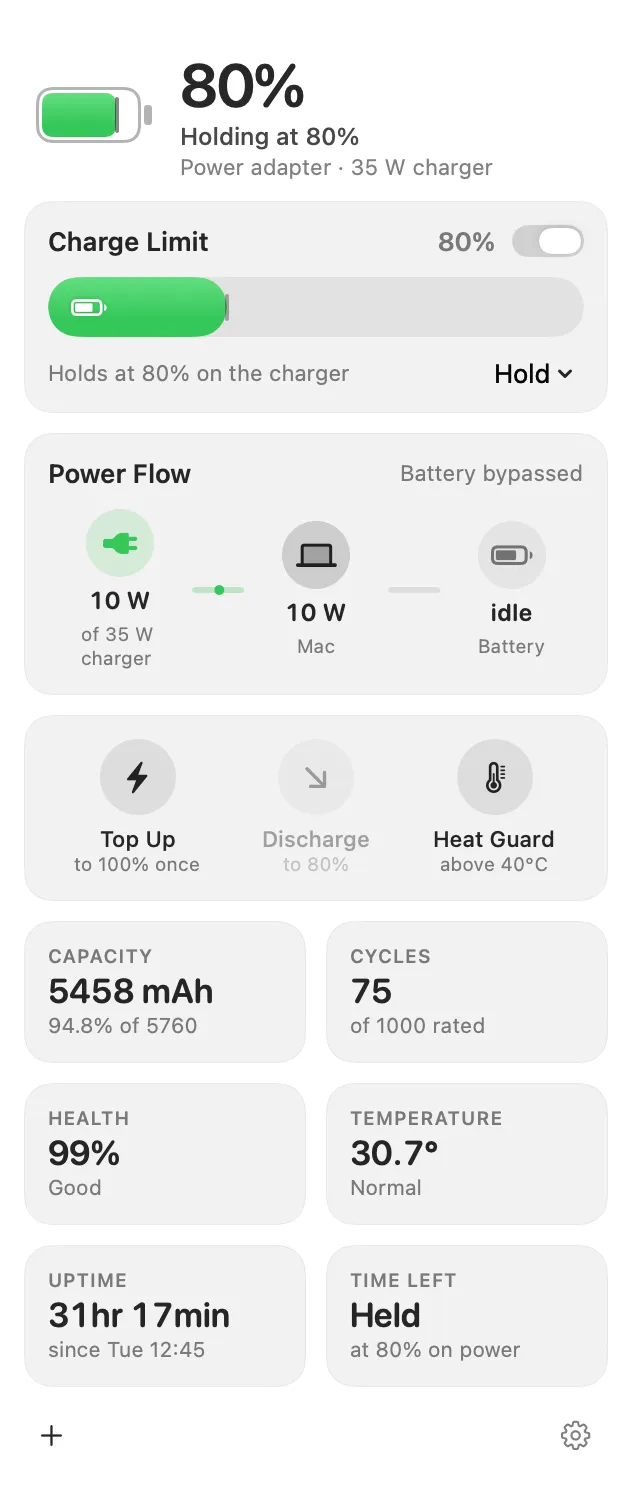
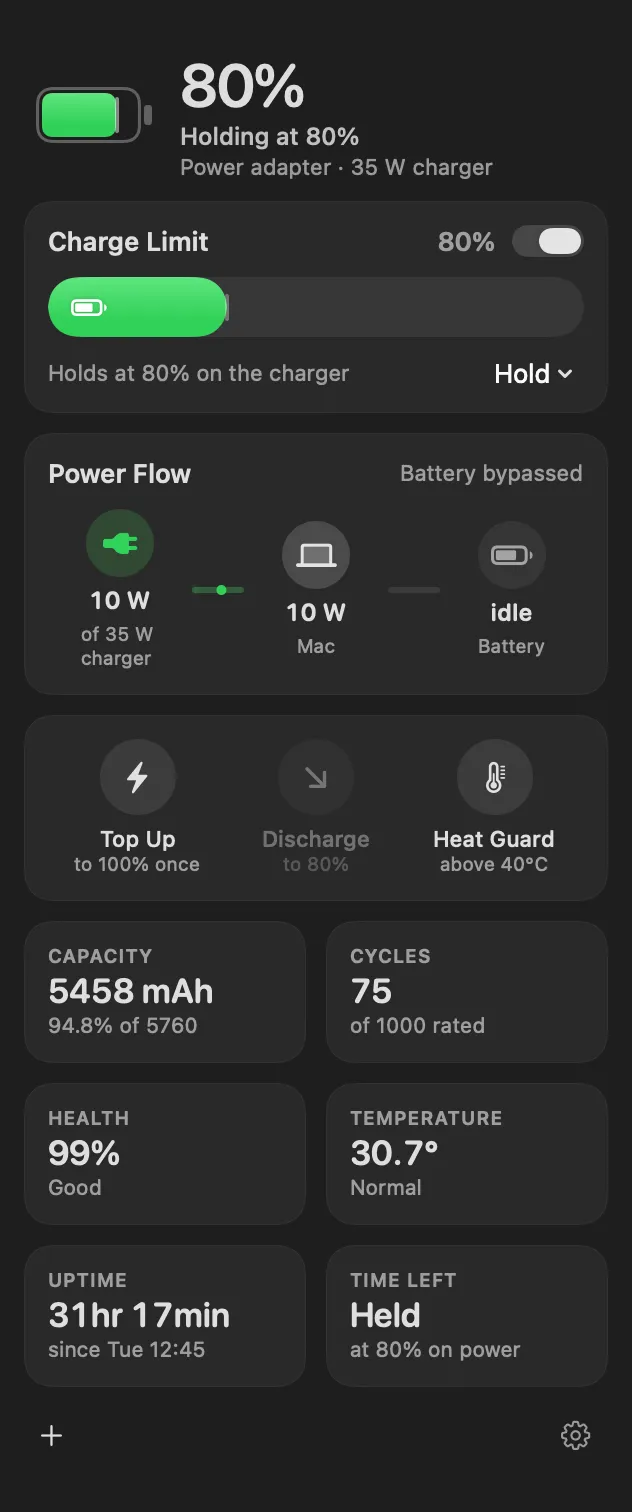
- Charge limit. A slider and a Hold mode that keeps the Mac on charger power while the battery rests at the limit.
- Power Flow. Live watts from the charger to the Mac and the battery, so you can see the battery being bypassed.
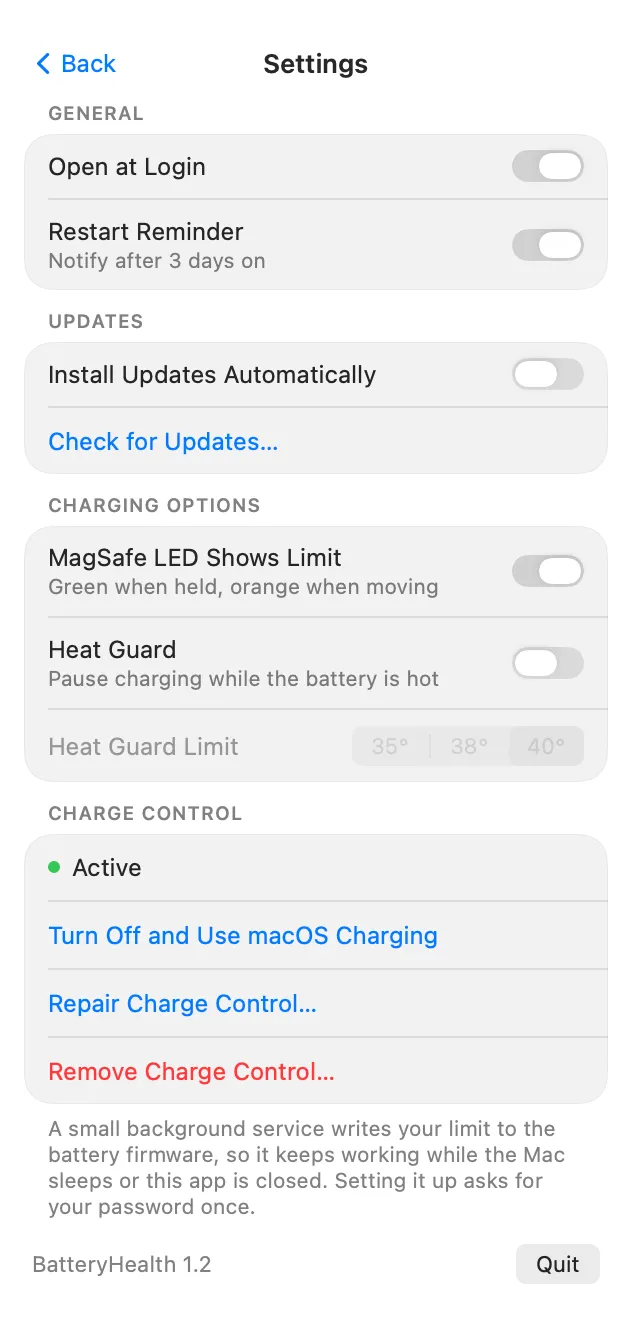
- Quick actions. Top Up to 100% once when you need the full battery, Discharge down to the limit, and Heat Guard, which pauses charging while the battery is above 35, 38 or 40 °C.
- Stats you can arrange. Capacity, cycles, health, temperature, uptime and time left, each in its own tile. Tiles can be hidden, added back and reordered by dragging.
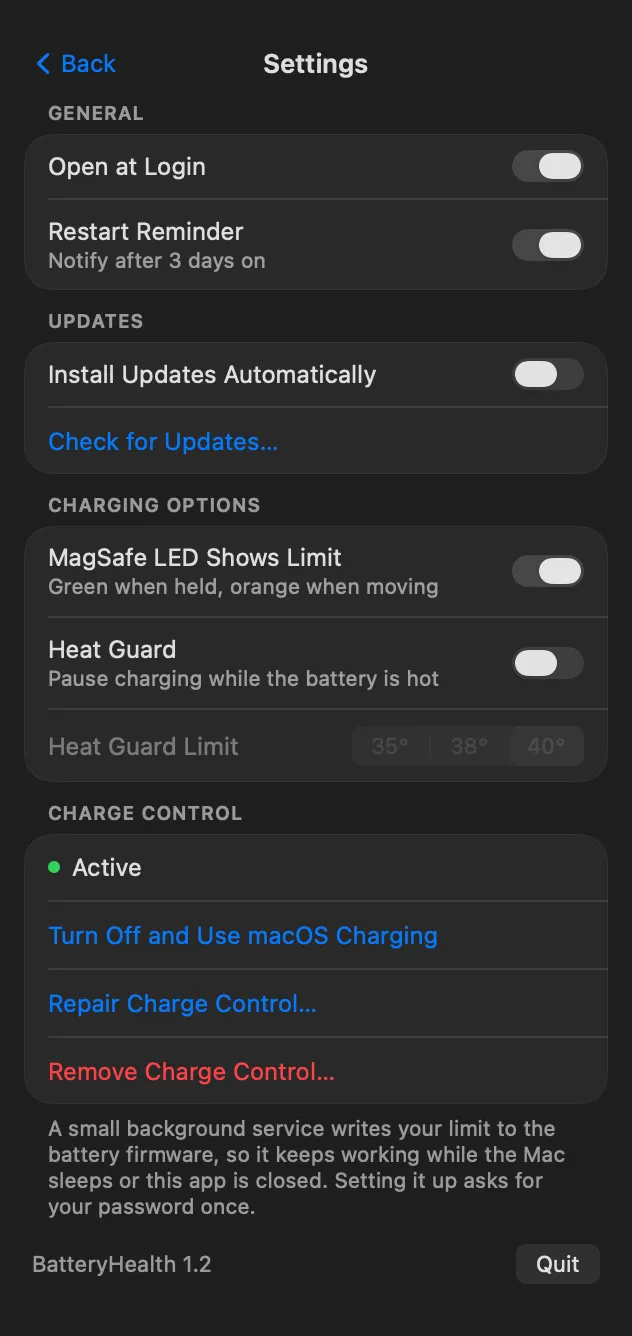
- Small extras. The MagSafe LED shows green while the battery is held and orange while the charge level is changing, and a notification suggests a restart after the Mac has been on for three days.
Pieces I’m proud of
- The menu bar shows the real limit. With a plain firmware limit, macOS can show 79% instead of 80%. Hold mode steers the charge range so the percentage in the menu bar matches the limit you set.
- The update path is tested for real. Version 1.1 on my Mac found 1.2 on GitHub, checked its signature and replaced itself.
- Drag to reorder inside a menu bar panel. SwiftUI’s drag and drop didn’t work in the panel, so the tiles use a plain drag gesture and work out their new slot from the pointer position.
- Translations that read naturally. Percentages and durations follow the app’s language, so an English panel shows “80%” even on a Mac set to a Turkish region.